
I wanted a simple way to hide my MacBook Air screen in public. This magnetic privacy screen caught my eye because it can go on and off without glue. I looked at the fit, privacy, glare, and daily use before forming my view. My take is simple: it is a good pick for public work, but the darker screen may not suit everyone.
Product Review
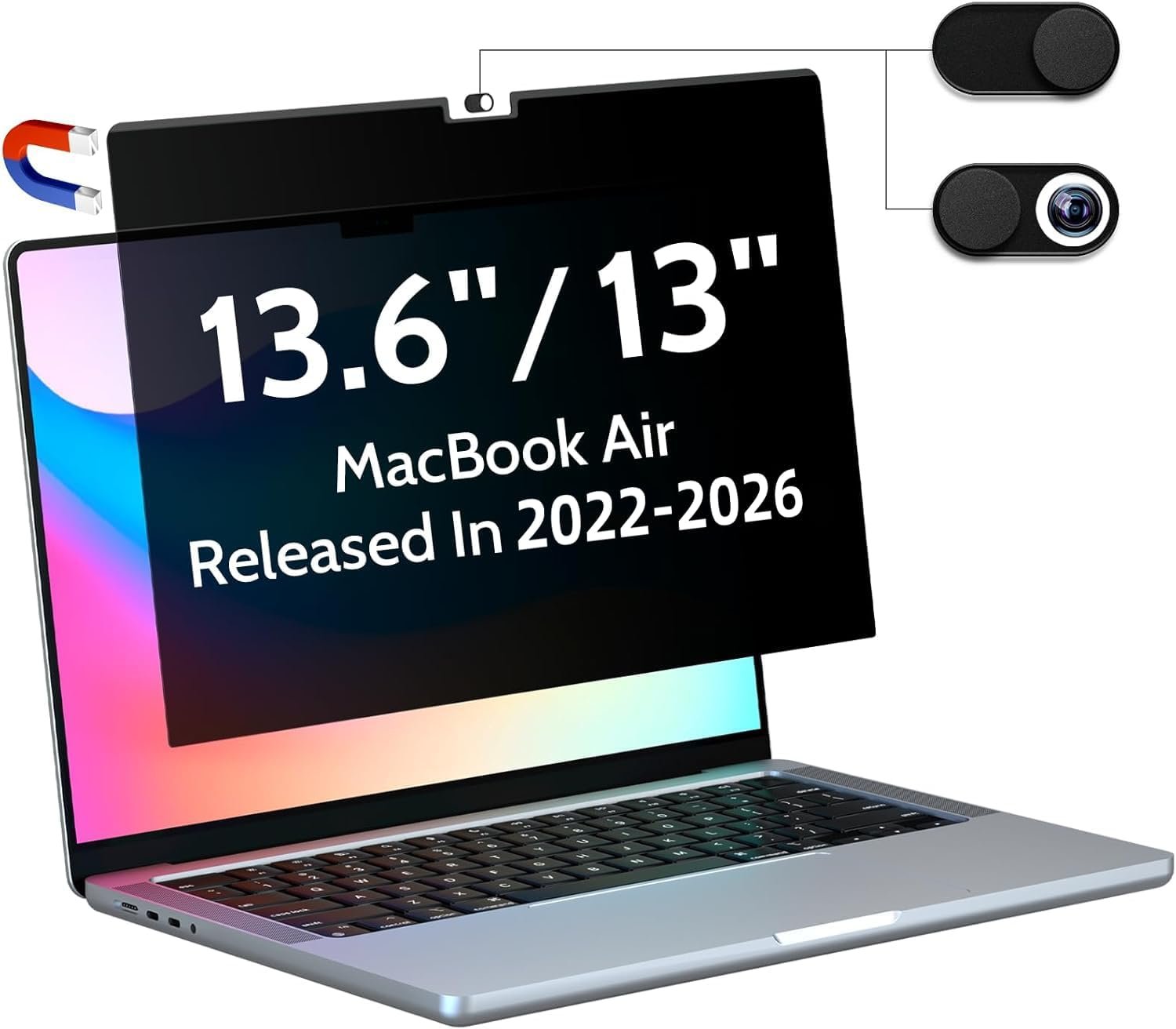
The Magnetic Privacy Screen for MacBook Air 13.6/13 Inch is made for newer 13-inch MacBook Air models. The listing covers 2022–2026 models with M2, M3, M4, and M5 chips.
The main job is clear. It helps stop people beside you from seeing your screen.
I like the magnetic setup most. I do not need to use glue on the screen. I can put the filter on when I work in a public place. I can also take it off when I want a clear view.
The screen has a matte finish. This helps cut some glare from lights and windows. That can be useful when I work in a bright room.
It also has a blue light filter. I would not buy it only for that feature, but it is a nice extra for long work sessions.
The privacy effect is strongest when someone looks from the side. From the front, I can still use the MacBook for normal work. Side viewers get a much darker view.
The screen is also thin. That matters on a MacBook Air because I do not want a bulky cover that changes the feel of the laptop.
I found that privacy screens can have one trade-off. The display may look darker with the filter on. This can make me raise the MacBook brightness more than I normally would.
The magnetic design also makes cleaning easier. I can remove the screen and wipe it instead of trying to clean around a fixed film.
One thing I would check before buying is the exact MacBook model. A privacy screen must match the display size and shape. A small size error can affect the fit.
The product is made for people who work in places where other people may see their screen. That includes coffee shops, planes, trains, libraries, offices, and shared work areas.
For me, the biggest value is the quick change between private and open use. I do not need privacy all day. I only need it when other people are close.
Pros
- Magnetic design makes it quick to put on and remove.
- It helps hide screen content from side views.
- The matte finish can cut some screen glare.
- It fits the newer 13-inch MacBook Air size.
- I can remove it when I want a brighter, clear screen.
Cons
- The filter can make the display look darker.
- Finger marks can show on the surface.
- The lower part may not feel as firm as the top magnetic edge.
- Some users may prefer the MacBook screen without any filter.
- I would check the exact MacBook model before ordering.
My Personal Experience with Magnetic Privacy Screen
I first noticed the value of a privacy screen when working around other people. A laptop screen can show a lot of private data. Email, work files, account pages, and chats can all be seen from the side.
For a coffee shop, this type of screen makes sense to me. I can focus on my work without feeling like the person next to me can read every line.
I also like it for travel. A MacBook Air is easy to carry on a plane or train. A removable privacy filter gives me an extra layer of peace when people sit close by.
My work-from-home use is a bit different. I would not keep the filter on all the time. When I am alone, I prefer the bright and clean MacBook display.
That is where the magnetic design helps. I can remove it in a few seconds and put it back when I need privacy.
The matte surface is useful when a lamp or window sits behind me. It can make bright spots less annoying while I work.
I did notice one trade-off with this type of filter. The screen can look less bright than it does without the filter. I would keep that in mind if I like a very bright display.
For long work sessions, the blue light filter may also feel useful. Still, I would not treat it as a health fix. It is better to see it as an added screen feature.
I also like that I do not have to stick a film directly to my MacBook display. That makes the setup less stressful for me.
When I need to show my screen to a friend or coworker, I can take the filter off. That is much easier than dealing with a fixed screen cover.
One small issue is storage. When I remove the filter, I need a safe place for it. A laptop bag or thin sleeve can help keep it clean.
I would also keep the screen free of dust before putting it back on. Small bits of dust can affect how the filter sits.
The biggest lesson for me is that this is a privacy tool first. The glare and blue light features are useful extras, but the side-view block is the main reason to buy it.
Comparing With Other Brands
I have also looked at other MacBook privacy screens from brands such as SightPro and other magnetic filter makers. The main differences are often in fit, price, screen brightness, and how well the magnetic edge stays in place.
Magnetic Privacy Screen vs Other Brands
Privacy: The Peslv screen is made to block side views while keeping the front view usable. This is the part I would care about most when working in public.
Fit: A good fit matters a lot on a MacBook Air. I would check the year and screen size before looking at any other feature.
Brightness: Some privacy filters make the display darker. This is not unique to one brand. If I use a filter often, I want one that still lets me work at a comfortable brightness.
Ease of use: The magnetic design has a clear benefit. I can remove the screen without dealing with sticky glue or a hard-to-remove film.
Price: This type of screen is usually cheaper than many larger privacy solutions. Still, I would compare the current price before buying because Amazon prices can change.
Recommendation
I would recommend this magnetic privacy screen to MacBook Air owners who often work around other people.
It makes the most sense for remote workers, students, travelers, and people who use coffee shops or shared offices. It is also useful if your work involves private emails, files, or account details.
I would do more research if I mainly use my MacBook at home. In that case, I may not need a privacy filter every day.
I would also think about screen brightness before buying. If I like my MacBook display very bright, the darker look may take some getting used to.
For USA buyers, I would check the current Amazon price and delivery date before ordering. I would also make sure the listed model matches my MacBook Air before placing the order.
My final view is simple. If privacy is the main goal, this is a useful MacBook Air add-on. If a bright screen matters more than privacy, I would compare a few other options first.
FAQs for Magnetic Privacy Screen for MacBook Air
Does this magnetic privacy screen fit the MacBook Air 13.6-inch?
Yes, this model is listed for the 13.6-inch MacBook Air size. It is made for newer MacBook Air models from the listed years. I would still check the model details before ordering.
Does the privacy screen block side views?
Yes. That is its main purpose. People sitting to the side should see a much darker view than someone looking straight at the screen.
Can I remove the magnetic privacy screen?
Yes. The magnetic design lets me take it off when I do not need privacy. This is one of the best reasons to choose a magnetic filter.
Does the privacy screen make the MacBook darker?
It can. Privacy filters often reduce the amount of light that reaches the viewer. You may need to raise the screen brightness when using it.
Can I use it in a coffee shop?
Yes. A coffee shop is one of the places where I would find it most useful. It can help keep nearby people from seeing private work.
Does it reduce glare?
The matte surface is made to help reduce glare. I find this useful when working near bright lights or windows.
Is the blue light filter useful?
It can be a nice extra for people who spend many hours at a screen. I would still treat it as a screen feature, not a medical solution.
Conclusion
After looking closely at this magnetic privacy screen, I think its best feature is the quick on-and-off design. It gives MacBook Air users a simple way to add privacy when working in public. The main trade-off is that the screen can look darker, so I would consider that before buying. For people who travel or work in shared spaces, this is a practical add-on worth considering.